
Insta360 X5 Review: Is It the Best Camera for National Parks?
Updated March 2026
This Insta360 X5 review is based on my very first week of using the camera! I toggled through shooting modes, filmed scenic clips, tested the editing app, and enjoyed exploring Florida State Parks and a National Wildlife Refuge to experience it in a real-world outdoorsy setting.
While I had my fears this camera would be too overwhelming, it didn’t take long for the Insta360 X5 to blow me away. It truly stands out as a versatile, adventure-ready 360° camera built for people who want high-quality footage without having to overthink it.
It’s perfect for capturing your national park adventures, road trips, or travels because you can enjoy the moment while the camera captures everything! The Insta360 X5 offers an ease of filming, so you can stay present.
In this Insta360 X5 review, I’ll walk you through how this camera performs in real-world travel scenarios, including hiking trails, boat tours, and more. I’ll share my experience of filming and editing and why I’m already loving it!
I received this camera in exchange for an honest review, and I was actually concerned I’d think it was too much. Do we really need 360 degrees of filming? Well, I found this maximalist camera to be worth it. I’m so excited to continue using the Insta360 X5, but let’s break it down and review the features, so you can decide if it’s right for you!
Disclosure: I received the Insta360 X5 at no cost in exchange for an honest review. All opinions in this post are my own.

About the Reviewer, Me!
While I don’t consider myself a tech geek, I am not inept either. I enjoy learning new things, and I love opportunities for creative expression. Of course, it does take me time to hone my skills, and the Insta360 X5 camera is no exception.
I also love adventure and travel! Whether it’s hiking at Yosemite National Park, island hopping in Fiji, or exploring my home state of Florida, I love being outside, traveling or experiencing new things.
Since I tend to travel in a carry-on most of the time, I usually just take my phone with me to capture memories. While I love my Canon camera (though I’m still learning), it takes up a lot of room and is quite heavy to carry around. Generally speaking (certainly not always), I try to pack light and would prefer to keep things simple.
When I was contacted and offered this camera in exchange for an honest review, I wasn’t sure if it would end up being too much. Is this camera going to be overkill? Will I just be overwhelmed by the options it provides? Will it really be worth taking along on my travels, hikes, or adventures?
Well, spoiler… I ended up loving this camera, but I wanted to give you an idea of who I am and my perspective so you can read this Insta360 X5 review with proper context. I will review the features and go over the pros and cons, so I hope you are able to make an educated decision on whether this Insta360 X5 is for you!
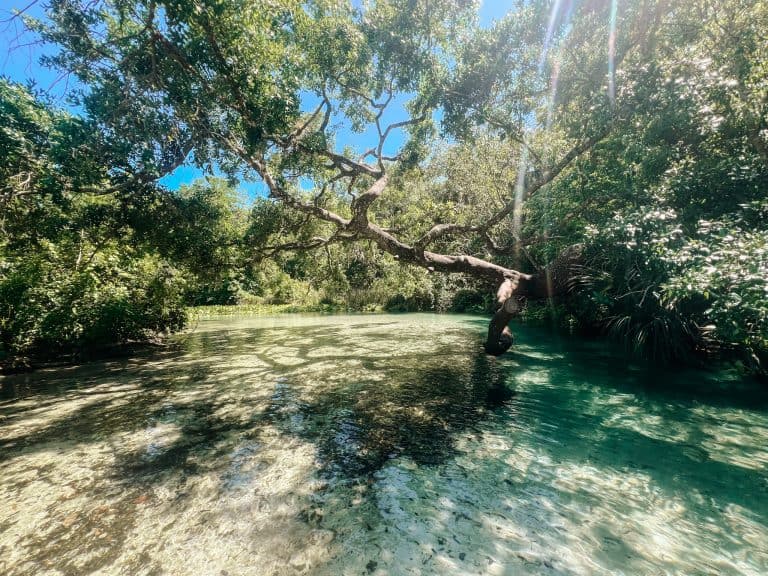
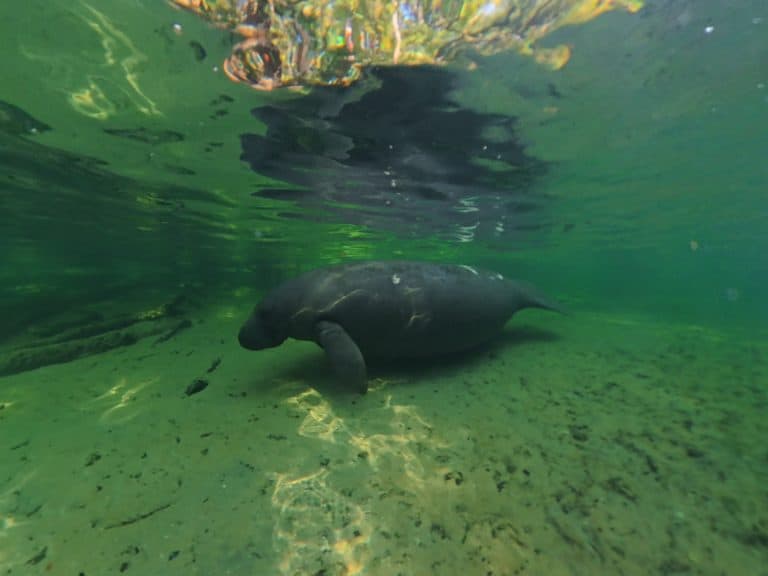
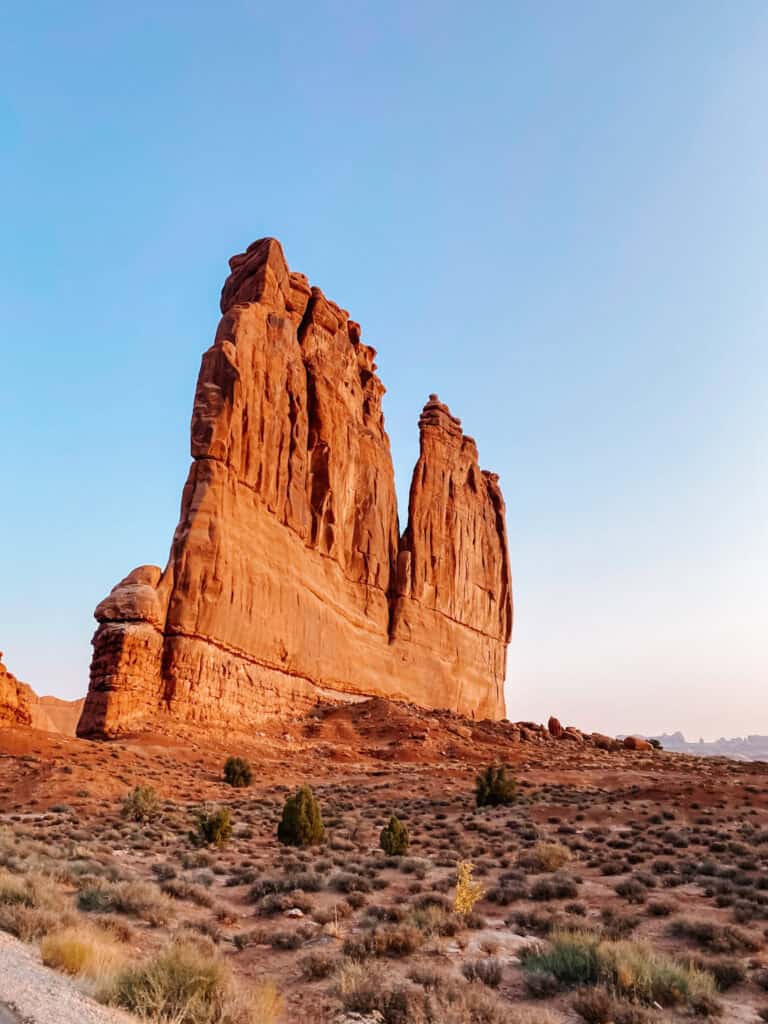
Quick Note: The images in this blog post are from the Insta360 X5, but I do have a plugin on my site to help with loading times that can skew the quality of my images. The best way to check for quality is the YouTube video provided below at the 4K quality.
Check Out the Insta360 X5 Pricing & Purchase Options

First Impressions of the Insta360 X5 & Accessories
Unboxing Insta360 X5 Essentials Bundle
As I opened the box for the Insta360 X5 Essentials Bundle, I was immediately surprised by how much was included with the camera itself! The bundle includes an extra battery, a fast charging case that charges both batteries at the same time, standard lens guards, a selfie stick, the USB-C cable for charging, a lens cloth, a protective case, and a lens cap!
The Insta360 X5 camera itself is small and easy to hold! I found the screen to be a good size and overall it seemed like it would be easy to navigate. There is a quick tutorial once you turn on the camera, which is helpful as you first get acquainted with the features.
I really like the rubber lens cap as it is easy to put on or remove. You can still use the screen as needed, while still protecting the lens. The lens guards were easy to install and remove as well, so if you want even more added protection they will come in handy!
I haven’t used the Utility Fast Charge Case yet, but I know it would come in handy on a trip! When you have a lot to charge while traveling, it’s nice if that can be condensed to one thing and also be fast! This charge case will definitely go on trips with me!
Of course, the actual battery while in the camera also charges quite fast! So if you are in a pinch and don’t have the charge case with you, the battery will charge fairly quickly with the USB-C cord.
I love the lens cloth provided in this kit, which is easy to carry around to clean the lens before shooting. The selfie stick that came with the kit, is lightweight, not too imposing, and a great starting point.
Foldable 2-in-1 Selfie Stick Remote Kit
The Foldable 2-in-1 Selfie Stick comes with a remote, which is perfect for filming on your own! There is a built-in tripod that is easy to access, which allows you to get more creative when traveling solo.
The remote that comes with it secures with a magnet to the selfie stick! This is well thought out, so you can easily have the remote for when you need it, but having a spot for it makes it harder to lose!
The foldable selfie stick also extends a bit, allowing you to try various perspectives. However, I love that it can be folded and easily fit into a bag! Plus, it comes with a protective strap for the lens, which really offers peace of mind when you’re not using the camera.
I use the built-in tripod in the first clip in the YouTube video below. It’s perfect for filming solo outings!
Extended Edition Selfie Stick
In contrast to the small foldable selfie stick is the Extended Edition Selfie Stick! While it’s not heavy, it’s a much larger presence. Of course, as I began to extend it I was shocked by how long it gets!
This selfie stick is perfect for getting drone type shots without the drone! I had wondered if I should look into getting a drone, but it just seemed like more trouble than it’s worth for me right now. So I was thrilled when I realized this extendable selfie stick can offer aerial shots!
Using this selfie stick is not discreet in any way, but it is perfect when drones are not allowed! Plus, it’s so fun to see the perspective and clips you can get while using it!
In the YouTube video below, the extendable selfie stick is used at timestamp 00:20. Normally, I wouldn’t use a clip with the shadow, but I loved that you can see the shadow of the extendable selfie stick but not the actual selfie stick!
Replacement Lens Kit
I hope I don’t need to use this replacement lens kit for a while, but I LOVE that they offer it! Even though I use Apple products, my biggest beef is how they antiquate their tech. In fact, I’m typing on my 2014 MacBook Air, but I have to upgrade soon due to not being able to update it.
This really frustrates me as someone who takes care of things and wants them to last a long time! Insta360 gets big points from me for the fact that they offer replacement lens kits. While many other things can potentially go wrong, it’s a huge bonus that they make it easy to replace a broken lens.
If you’re deciding between cameras, I think this should definitely go on the pro side!
Micro SD Card
The quick start directions will show you how to open the battery compartment, remove it, and where to put the micro SD card. It was fairly simple, but you will want to ensure you orient the micro SD card correctly.
Now the micro SD card is something you will not want to skimp on. Insta360 recommends UHS-I microSD cards with a V30 or above speed class and exFAT format. The one sent to me was 256GB and I’m amazed how much footage it’s holding!
As you record, there is an estimated time given in the top left of the screen indicating how long you can film in that setting. For instance, when filming in 8K, the time frame is shorter than if I film in 4K. Even when filming in 8K, I had hours of footage available to me with the 256GB micro SD card!
Where to Buy the Insta360 X5? The Insta360 X5 is worth purchasing from their site directly! Some products or bundles even have an Amazon Prime option, but shipping is free on all orders over $129.
Insta360 X5 Video Clip Examples
Video clips were shot in various quality settings, but exported in 4K. I edited the clips in the Insta360 phone app, but then created the whole video in CapCut on my iPhone.
As a reminder, this was my first week of using this camera and editing clips. I plan to improve, but hopefully this gives you an idea of what is possible and how easy it can be to make content with it!
Captions provided in the video or you can skip to the examples you’re interested in using the timestamps below:
- 00:00 Foldable 2-in-1 Selfie Stick tripod use & keyframes for perspective changes
- 00:13 Single Lens Mode – FlowState Stabilization
- 00:20 No drone, no problem! Extendable Selfie Stick (clip shows shadow and how the selfie stick is invisible)
- 00:32 Zoom options in editing. Tiny Planet, Mega View, Linear, Narrow with extendable selfie stick clip
- 00:50 Zoom options with the selfie lens side.
- 01:07 Exported video clip as panoramic video
- 01:11 Bullet time using the extendable selfie stick (but not fully extended)
- 01:31 Shows how smooth and stable the footage is as I walked normally
- 01:44 Used one 360 clip and added various keyframes to change the zoom and perspective.
- 02:16 Narrow zoom on 5.7K clip exported in 4K.
- 02:29 Mic sample of me talking in my car.
- 02:46 AI edited one clip (can definitely speed up editing)
- 3:00 AI created a video. I gave it two clips to work with and it created options in different styles. It added filters and music to each style option.

Camera Setup and Basic Use
The actual Insta360 X5 camera setup was easy as the camera will walk you through the steps. After the overview the camera offers, it becomes more intuitive.
Each of the shooting options has a short description below, so you don’t have to memorize the icons to know what they do. This really helped me as I tested the camera and tried various settings!
Waterproof – Perfect for Outdoor Adventures
The Insta360 X5 is waterproof up to 49 feet, but you will want to ensure the battery and charging port are fully locked in. I didn’t test it out and I do plan to take it snorkeling sometime, but I might buy the underwater case so I don’t have to wait for it to fully dry.
Either way, I’m happy to know it’s waterproof as it offers peace of mind whether it rains on your national park adventure or you just accidentally drop it in a puddle. This feature is so important for outdoor adventures like hiking and makes it far more durable and rugged than most cameras!
A maximalist camera offering minimalist fuss.
Ease of Filming
I love how easy it is to use this camera and not feel like you’re missing out! While I love capturing memories on my phone or camera, it does require focus. However, with the Insta360 X5, I didn’t really have to pay attention and I was able to capture everything around me!
Quick Start
I also appreciated that if the camera went to sleep, I could still hit the record button and the camera does a quick start. Again, it really makes it easy to capture the memories without having to juggle the equipment and potentially miss the moment.
No Touch Recording
There are settings you can use to start recording without having to hit the record button. You can wave at the camera if you’re filming from a tripod. This is perfect if you don’t have the selfie stick with the remote, but don’t want to have a ton of extra footage to edit out.
I used the twist-to-start setting and loved how easy it is to use! The setting was easy enough to find on the camera to switch on. Once it was on, I just had to twist the camera twice to start or stop recording. This setting was very responsive and worked well on the extendable selfie stick as well as the foldable selfie stick!
I thought if I used it, I’d be paranoid it wasn’t recording. However, the camera makes a noise when it starts and stops recording. Additionally, there’s a light on the camera that turns red while recording so between both signals I ended up loving the twist recording feature!
I’ll probably leave the twist to start recording on, but I love the other options as well. This allows for you to find the best option based on your personal preferences or filming scenario.
Battery Life
I am super impressed by the battery life! It lasted hours of filming for each of my test days! I read that it can last 185 minutes, but it actually seemed to last longer! I never had to use my extra battery and I spent two to three hours (not continuously) filming at Blue Spring State Park, Lake Woodruff National Wildlife Refuge, and Silver Springs State Park!
This camera would be perfect for exploring national parks, state parks, or on an overseas adventure! I can only imagine the footage I could have had during my trip to Yosemite National Park or my week in Banff! It’s the perfect hiking companion because it’s so easy to capture the footage without having to fuss with a cumbersome camera or worry you’re missing out!
Of course, I was struggling big time on the Sulphur Mountain hike in Banff and stopping to take pictures and video was a saving grace! With the Insta360 X5, you can capture everything without having to pause too much, so it removes the excuse.
Now that my health is improving, I can’t wait to take it on future adventures! I’m planning a visit to a national park in April and I’m so excited to take this camera with me!
Get the Insta360 X5 Essentials Bundle or Create Your Own Bundle!

How the Insta360 X5 Performs Outdoors
Shooting Experience
When presented with this Insta360 X5 review opportunity, the features sounded cool, but I had no idea just how cool! This camera packs a punch, so let’s review some of my favorite features.
Unique 360° Capture
The Insta360 X5 offers a shoot first, frame later concept. Since it captures in 360 degrees, you won’t miss anything around you! Then when you go to edit, you can choose the frame you want to use. It’s brilliant!
I also love how easy it is to use one 360 video and ultimately have numerous clips of various vantage points, but from one single video recording! In the app, you can add key frames and easily switch to different perspectives or even zoom in or out. It makes one clip much more interesting!
Invisible Selfie Stick
It’s so wild to see the footage and not see a selfie stick! You can see I’m holding something, but the actual selfie stick is not in the shot. I’m excited to use the camera more, as I know I’ll get better at filming myself on various adventures!
If you watch the YouTube video above and want to see the shadow of the extendable selfie stick without seeing the selfie stick, skip to timestamp 00:20. It’s a good example showing the “invisible selfie stick.”
3m Extendable Selfie Stick
When I first unboxed this selfie stick and began to extend it, I couldn’t believe how far it went! Then I tested it out and loved the perspective it offers.
I don’t have a drone, but with more places banning them, this extendable selfie stick offers a great alternative! You can get the epic scenic shots, without breaking any laws.
While I don’t have the best upper body strength, the extendable selfie stick is still lightweight enough to use easily. Even though it was windy, I could still get the shots. Of course, I didn’t get the most steady footage, but hopefully I can improve that over time.
If you want drone-like footage, this is the selfie stick for you! I have example footage in the YouTube video above at timestamp 00:20.
2-in-1 Foldable Selfie Stick
This selfie stick will probably be the go-to for filming in most cases. I really like the tripod, which is perfect for when I’m traveling solo or exploring on my own and want to capture myself in the footage!
I also love that it has the option to extend a bit if you want, offering various perspectives. And of course, it folds up nicely making it easy to pack!
This selfie stick also has a cover attached for the camera itself, but I found myself using it to hold the selfie stick when not in use or as extra insurance while filming.
The one negative is this dangling lens cover can be seen in footage. It’s an easy fix as you can take it off while filming or simply not use that angle when editing, but it’s worth noting.
Overall, I think this is a great selfie stick to consider as your main option. It’s perfect for hiking in national parks or wandering around your favorite city. I think I will continue to reach for it as I use the Insta360 X5 more!
Bullet Time
One of the settings in the Insta360 X5 camera is “bullet time.” There is a string accessory which might be more effective for this mode, but I tested it out using the extendable selfie stick (just not fully extended).
You spin the camera in a circular motion and the result is a cool, slow motion style video! This style is perfect for filming at different locations and then slicing them together!
I have an example of bullet time on the YouTube video above at this timestamp 01:11.
Audio Quality (Casual Use)
I did test the mic on two occasions. The YouTube video has a clip from filming in my car that you can view at timestamp 02:29.
I did test it outside as well and it seemed to work great. Though it may not filter loud background noise as well as an external microphone.
I have yet to try an external mic, so I can’t comment on the setup ease or the end result just yet. Once I do test it out, I’ll update this Insta360 X5 review.
Where to Buy the Insta360 X5? The Insta360 X5 is worth purchasing from their site directly and shipping is free on all orders over $129!


Image & Video Quality
It’s great that you can switch between various image qualities! I tried all options: 8K, 5.7+, 5.7K, and 4K. The best quality is 8K, which is perfect when you really want a clear picture, but it will take up more space. The camera defaulted to the 5.7K, which does seem like a happy medium for most filming. It offers great quality while not taking up as much room on the SD card.
I didn’t even touch the tone or color features. The photos and YouTube video are provided as is with no changes to color or tone (except as noted in the caption on one set of photos). Most of my filming was during sunny days in Florida and at various times of the day, and I’m so impressed by the AdaptiveTone mode for color. However, if you are wanting a certain vibe, you can easily change to manual and create your own settings.
I haven’t tried it in low light or nighttime yet. Once I do I can update this review, but it did handle shadows versus bright afternoon sun very well.

Durability & Adventure Readiness
I’m someone who takes care of things and I like to see them last. Even if I buy sunglasses from Wal-Mart, they will last me years! As I sit and type this Insta360 X5 review, I’m using my MacBook Air from 2014, so it’s safe to say, I like things to last!
This Insta360 X5 camera seems built to last, which I appreciate! It’s waterproof and rugged, and the lens is replaceable! So if something does happen, you don’t have to replace the whole camera! This is so huge to me, because I’m so salty that Apple antiquates its technology (yes, I will have to upgrade my laptop soon since I can no longer update it – annoying).
I’m not the calmest filmer, so the FlowState Stabilization is a life saver! It smooths out the footage which is great when I’m walking or when the extendable selfie stick is blowing in the wind. You can see how well it works on the YouTube video at timestamps 00:13 and 01:31.
The battery life is perfect for adventures, and I love how quickly it charges! If you get the Essentials Bundle, you will get two batteries and a fast charging case, which is perfect for national park days or travel adventures!
The 256GB micro SD card I have currently is holding a lot of footage! This is perfect for not having to worry too much while traveling, which is a huge bonus! My full week of footage, including two boat tours, is on it and there’s still room!
After my iPhone, this Insta360 X5 is one of the most adventure ready cameras I’ve ever used! For a maximalist camera, you can get away with a minimalist approach, which is perfect for outdoor adventures!


Insta360 App & AI Editing Tools
This camera can feel intimidating with all the various settings and options, but I found the editing app for the iPhone to be quite user-friendly! Additionally, the AI help is great and can really save some time!
Let’s take this Insta360 X5 review to the editing app for your phone.
Keyframes
Adding keyframes is how you can easily explore all the footage collected by the Insta360 in the 360 mode! You can add several keyframes throughout the footage, change the zoom at each keyframe, and/or the angle of the video.
Then once you hit play, the video will transition smoothly between the keyframes. I have examples of this in the YouTube video at timestamps 00:00 and 01:44.
Tiny Planet & Other Zoom Editing Options
As if the camera isn’t already packing a huge punch, the editing offers even more creativity! One example is the Tiny Planet edit. There are zoom options available for any clip and the furthest zoom is “tiny planet.”
This effect can be such a cool segue between shots and is very easy to apply to any clip you record with the extendable selfie stick! The other zoom options include Mega View, Linear, and Narrow. The last is the closest zoom option while still offering a clear picture.
Linear would likely be the most common zoom setting to utilize, but I love the creativity available in this simple zoom setting. To see examples of these zoom edits, head to the YouTube video above to 00:32 and 00:50.
AI Editing
The Insta360 X5 camera is one of the coolest cameras I’ve ever used, but it can start to feel overwhelming when it’s time to edit. Well, that’s where AI can really help you!
In the Insta360 app, you can use AI to edit a clip, which will automatically utilize what it decides is the best footage. I tested it out on one clip and it seamlessly moved from the selfie lens to the front lens shots creating an interesting clip.
AI can also make a video using the clips you select, complete with music and filters. Once the core of the video is edited, AI will also give you options allowing you to change the video style so you can choose the music/filter combination you prefer.
Examples of AI editing are at the end of the above YouTube video at timestamps 02:46 and 3:00.
Export in Various Sizes
Whether you want to post to social media or YouTube, you can easily select the video sizing at the top. Additionally, you can edit the video for social media then decide you also want another size and you can easily change it for the same clip and export it without having to re-edit it!
I really appreciate how easy it is to switch between sizes. The options are 16:9, 1:1, 9:16, and 2.35:1.
More Editing Features
Of course, all the typical and useful editing features also exist in the Insta360 X5 app! You can change the speed, apply filters, add music, and make adjustments to things like exposure, shadows, brightness, etc.
If you want a photo, that’s easy too! You can export a snapshot as a photo, live snapshot, or 360 degree photo!
There are so many options, I know I haven’t even scratched the surface of all the creative and useful aspects of the Insta360 X5!

Pros & Cons
Overall, this camera really packs a punch! The pros are extensive! It’s perfect for taking on national park hikes, travel adventures, or anything you want to film without having to focus on it too much.
The 360 degrees of shooting ended up being way more cool than overwhelming. The camera itself has a good quick tutorial to get the basics so you can start using it right away.
Accessories like the Extendable Selfie Stick, make it possible to get more epic footage. Bullet Time mode offers a fun creative way to film different environments and then edit them together. One single 360 video offers way more footage than a typical camera because you can utilize various perspectives when editing.
I also love how small and light the camera is while also being solid enough to handle real life! The screen is a good size and big enough to navigate and offer a preview of the shot. The waterproof feature is great and offers peace of mind while filming in or around water and perfect for when I want to take it paddleboarding with me.
The editing app is fairly intuitive, but there is a learning curve as with any camera or software. However, the AI clip editing is easy to use and can really save time in framing clips. I will probably use it a lot in the future. The full AI video is cool in that it offers options, but if you want to develop your own style, it’s probably not the feature you will reuse as much.
I was pleasantly surprised by the battery life! It really allows you to record without having to think much. I love this as I can go to national parks or on other travel adventures and not have to think about getting the perfect shot. It captures everything and you can sort out the frame later.
Of course, like any new gadget, there is a learning curve. While the Insta360 X5 makes it easy to get started, you will want to dedicate time to really capitalize on what it offers! The 8K quality is amazing, but it will take up a lot more space, as well as the Bullet Time mode, which takes space and practice.
If you’re considering purchasing the Insta360 X5 camera, I hope these pros and cons help you decide.
Pros:
- Versatile for multiple outdoor scenarios or travel adventures
- 360° capture eliminates worrying about framing
- 360° capture offers extra footage from just one clip when editing
- Drone-like cinematic shots without drone
- Rugged and waterproof
- Long battery life and the battery charges quickly
- Fun creative modes (Tiny Planet, Bullet Time)
- Smart AI editing
- Offers a single lens recording if you don’t need a 360 degree video
- Lens is replaceable
Cons:
- 8K files take up more SD space
- Bullet Time may require practice or specific attachment
- You will need to take some time to learn a new camera and editing app/software
- Editing 360 video captures may feel overwhelming at first


It truly is a maximalist camera for a minimalist user, because it keeps the filming as secondary to the actual adventure!
Final Thoughts
As someone who gets overwhelmed with too many options, I thought this would be too much camera for me. However, after using it for just a few hours and then reviewing the clips, I was really blown away!
There are still more features of this Insta360 X5 I have yet to try, which is saying a lot, because I’ve really tested a good amount of features! Overall, I am so impressed by the Insta360 X5! It’s really different from any camera I’ve ever used and offers such a unique filming experience.
Who the Insta360 X5 May Not Be For
To really get the most out of this camera, the editing app or desktop software is a must learn. While I personally found it intuitive and easy to use, it will still require some time to become familiar and comes with a learning curve.
Shooting in the 360 mode and using AI in the editing app will make things easier, but you won’t even scratch the surface of what this camera offers. So at some point, you will want to dedicate yourself to learning more about the camera and editing features.
While this camera is fairly affordable and they do offer things like lens replacement, it’s still an initial monetary investment. Based on all that it offers, I think it’s absolutely worth it. However, if you’re not ready to learn the editing software, it may not be the camera for you right now.
Insta360 X5 Review
I hope you found this review helpful in deciding if this Insta360 X5 camera is right for your hikes, travels or random adventures! The camera was way cooler than I was expecting and I’m excited to use it more!
It truly is a maximalist camera for a minimalist user, because it keeps the filming as secondary to the actual adventure! Of course, when you go to edit, it could feel overwhelming, but the AI tool is super helpful and it really feels like they thought of everything!
Where to Buy the Insta360 X5? The Insta360 X5 is worth purchasing from their site directly and shipping is free on all orders over $129!